01 · LAN sync
Your phone and desktop, connected directly.
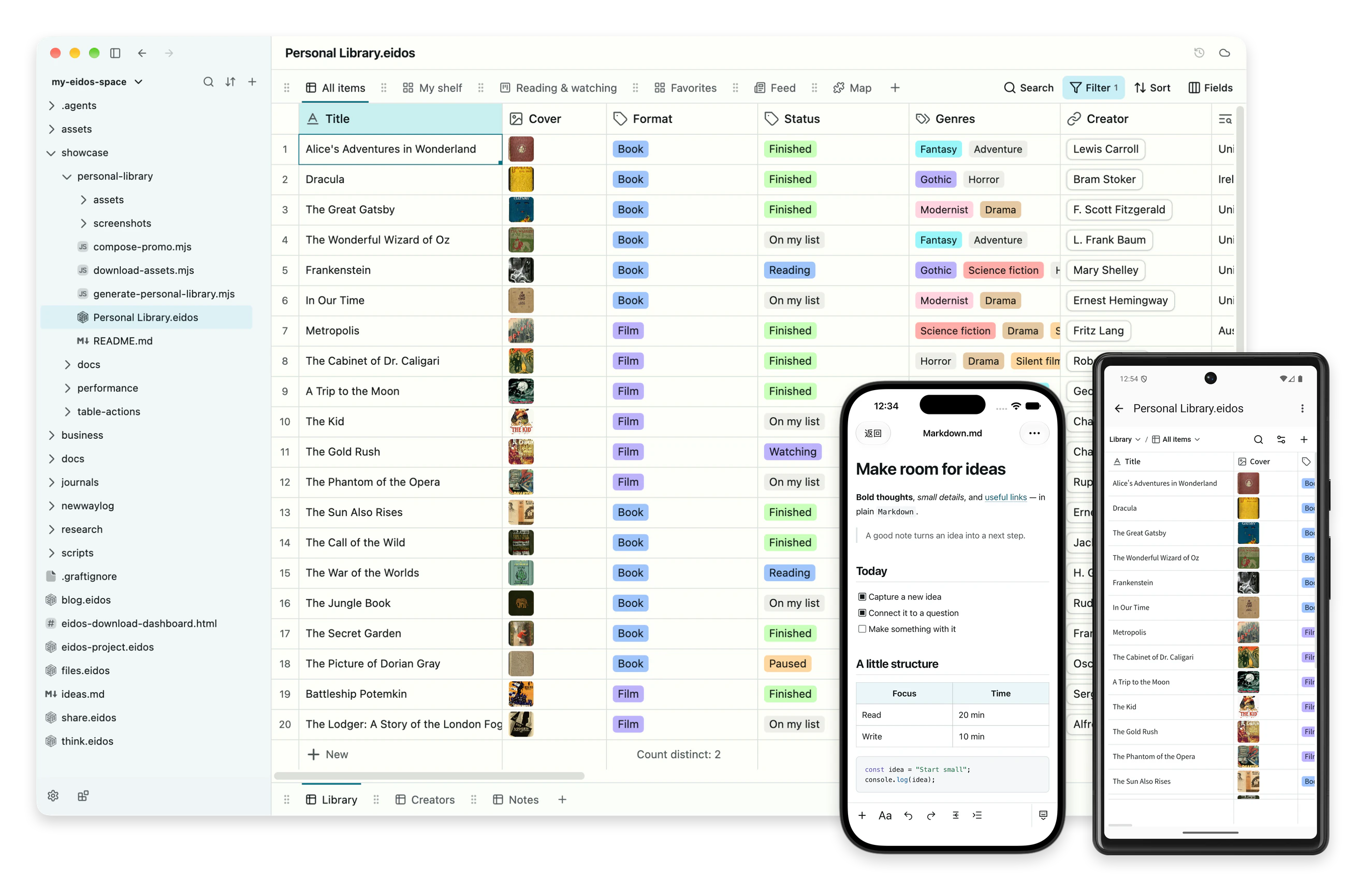
Pair your Android or iOS app with Eidos Lite to sync files and changes over the same local network. No cloud account required; each device keeps a local copy you can use offline.
Eidos File · SQLite
Help me complete a structured-data task in a .eidos file. Set up Eidos first if needed.

Start by asking what I want to accomplish, which .eidos file to use—or whether to create one—and where any source data is located. Do not install software or modify files yet.

After I answer:

1. Run `eidos --version`.

2. If the command is unavailable, detect the operating system, explain that the official installer downloads and verifies the standalone Eidos CLI, and ask for confirmation before running one of these commands:

   macOS or Linux:
   curl -fsSL https://download.eidos.space/cli/install.sh | sh

   Windows PowerShell:
   irm https://download.eidos.space/cli/install.ps1 | iex

   If the current shell has not refreshed its PATH, locate the installed binary and continue using its absolute path.

3. Initialize the matching Eidos Skill in the directory containing the file:

   eidos self skill init --space "<directory>"

   Use `--global` only if I ask to enable it for all projects. If an existing Skill differs, do not overwrite it with `--force`; explain the conflict and ask me what to do.

   Then read the generated `.agents/skills/eidos/SKILL.md` and the references it requires for this task before continuing in the current session.

4. Use structured `eidos --json` operations to inspect the exact file context and current revision. Do not mutate yet.

5. Propose the smallest useful change, limited to the relevant tables, fields, relations, views, or rows, and wait for my confirmation.

6. After confirmation, use typed Eidos operations with the expected revision. Never write raw SQLite or Eidos internal tables directly.

7. Validate the result and summarize the file changed, previous and current revisions, exact changes, and validation result.

If you cannot run shell commands or access the installer, show me the exact next command and stop.
Tables, relations, formulas, and views live in one standard SQLite file. Use the same file from the desktop, browser, CLI, or an agent.
Privacy by default · Open format · Standard SQLite
Eidos Lite · Data ownership
library.eidos sits in the same folder as notes.md and paper.pdf. No sign-in, no import, copy the whole thing anywhere. Own the file, control the data.
2 Eidos files · 2 documents · 2 folders · all on your own disk
Malleable Software
Your files at the center. Build views, actions, and workflows around them.
Eidos Lite · Local version history
| Change | Row | _updated_at | Status | Rating |
|---|---|---|---|---|
| ~ | _id | − 2026-10-20T05:59:19.605Z+ 2026-10-20T05:59:20.554Z | − Watching+ Finished | − 3+ 5 |
| ~ | _id | − 2026-10-20T05:59:19.625Z+ 2026-10-20T05:59:20.569Z | − Watchlist+ Finished | − null+ 5 |
| ~ | _id | − 2026-10-20T05:56:16.633Z+ 2026-10-20T05:59:20.584Z | − Watching+ Finished | − 4+ 5 |
| ~ | _id | − 2026-10-20T05:56:16.633Z+ 2026-10-20T05:59:20.600Z | − Watchlist+ Watching | − null+ 4 |
| ~ | _id | − 2026-10-20T05:56:16.633Z+ 2026-10-20T05:59:20.615Z | − Watching+ Finished | − 4+ 5 |
| ~ | _id | − 2026-10-20T05:56:16.633Z+ 2026-10-20T05:59:20.630Z | − Watchlist+ Watching | − null+ 4 |
Spark
Support Eidos development and get early access to file metadata management and custom sync servers.
Discover SparkSync and sharing
Keep working locally. Sync your phone and computer directly over the same local network, use cloud sync between computers, or publish files to the web when you want to share.
Cloud service pricing →01 · LAN sync
Pair your Android or iOS app with Eidos Lite to sync files and changes over the same local network. No cloud account required; each device keeps a local copy you can use offline.
02 · Eidos Sync · Cloud
Sync changes and history between computers with end-to-end encryption. Each computer works on its local files.
03 · Eidos Publish · Preview
Set the address and access; Forms can also collect responses into your file.
Eidos File · SQLite
Every .eidos file is SQLite. Standard SQLite tools can read its real tables today or years from now.
01 · Create a file and table
eidos file new library.eidos \
  --table library --label-field title \
  --fields '[{"name":"title","type":"text"},{"name":"author","type":"text"}]'
02 · Add a row
eidos data mutate library.eidos \
  --table library \
  --expected-revision 1 \
  --insert '{"title":"Chaos: Making a New Science","author":"James Gleick"}'
03 · Read it with SQLite
sqlite3 -header -column library.eidos \
  'SELECT title, author FROM library;'
SQLite output
title                        author
---------------------------  ------------
Chaos: Making a New Science  James Gleick
Start working local-first.
Download EidosFree core local tools · No account required